Best No-Code Development Tools in 2026: Build Apps Without Writing Code
Build websites, apps, and automations without writing a single line of code. We tested 15+ no-code tools to find the best ones for different use cases.

Why this matters:
- Developers cost $100-200/hour. No-code tools cost $0-50/month.
- Building an MVP takes weeks with code, days with no-code.
- Non-technical founders can finally build their ideas.
We spent 3 months building real projects with 15+ no-code platforms. This guide shares what actually works, what's overhyped, and where the best value is.
📋 Sommaire
What Exactly is No-Code Development?
Types of No-Code Tools:
- Web Apps: Bubble, Adalo, Glide
- Websites: Webflow, Carrd, Framer
- Automation: Make, Zapier, n8n
- Databases: Airtable, Notion
- E-commerce: Shopify, Gumroad
The honest truth: No-code has limits for complex algorithms and real-time features. But for 80% of business apps, it's enough.
Best No-Code App Builders
Bubble is the closest thing to "real" programming without code. Build marketplaces, SaaS products, social networks.
- Pros: Unlimited flexibility, plugin ecosystem, full database control
- Cons: Steep learning curve (20-40 hours), expensive at scale ($29-529/month)
- Best for: Serious builders who want full control
Turn a Google Sheet into a mobile app in hours. Incredibly fast for simple use cases.
- Pros: 10-minute setup, free tier, great for internal tools
- Cons: Limited customization, tied to spreadsheet structure
- Best for: Internal tools, simple data apps
Best No-Code Website Builders
The gold standard for professional websites. Designer-level control without code.
- Pros: Pixel-perfect design, built-in CMS, excellent animations
- Cons: Learning curve, expensive for multiple sites ($23-39/site)
- Best for: Agencies, designers, professional sites
One-page sites in 10 minutes. Perfect for landing pages, portfolios.
- Pros: Incredibly simple, $19/year, fast loading
- Cons: Single page only, no CMS
- Best for: Landing pages, portfolios, link-in-bio
Best No-Code Automation Tools
More control than Zapier with better pricing for complex workflows.
- Pros: Visual builder, 1000+ integrations, better pricing
- Cons: Steeper learning curve
- Best for: Power users, complex automations
The most popular automation tool. Simple but can get expensive.
- Pros: Easiest setup, most integrations (5000+)
- Cons: Expensive at scale, less flexible than Make
- Best for: Beginners, simple automations
Open-source alternative. Free forever if you self-host.
- Best for: Technical users wanting free automation
Best No-Code Lifetime Deals
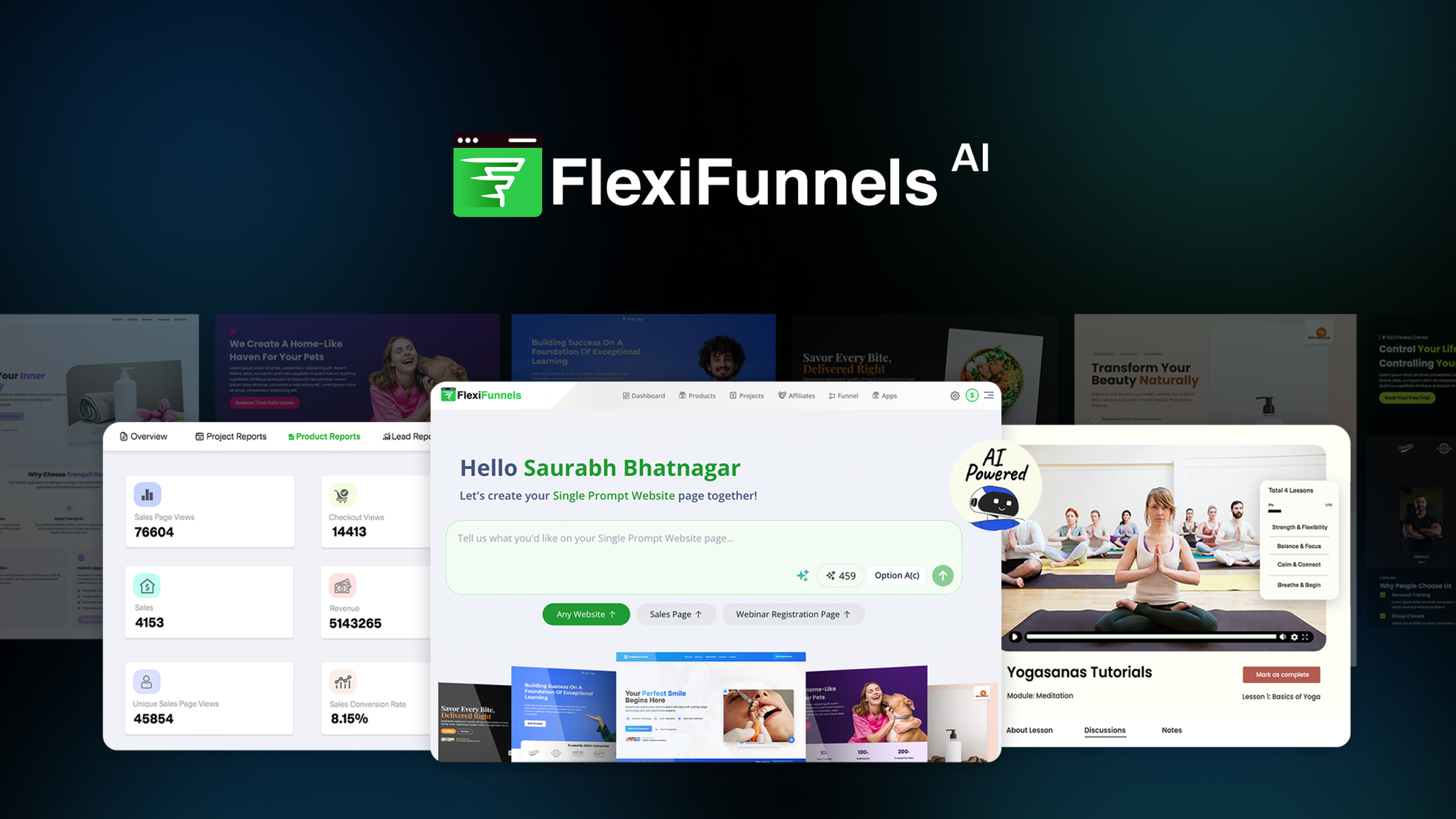
Build funnels, websites, courses, and memberships. All-in-one.
Saves ~$1,200/year vs ClickFunnels.
2. SuiteDash — $99-499 Lifetime
All-in-one: CRM, projects, invoicing, client portal.
Saves ~$1,500/year vs separate tools.
Where to find lifetime deals:
- AppSumo (most reliable, 60-day guarantee)
- PitchGround
- DealMirror
How to Choose the Right Tool
Building a full web app? → Bubble (complex) or Glide (simple)
Building a marketing website? → Webflow (pro) or Carrd (simple)
Building automations? → Zapier (easy) or Make (powerful)
Budget options:
- Free: Carrd free, Glide free, n8n self-hosted
- Lifetime: FlexiFunnels $99, SuiteDash $99-499
- Monthly: Webflow $23+, Bubble $29+
💡 Conclusion
Our top picks:
- Web apps: Bubble
- Websites: Webflow or Carrd
- Automation: Make
- Best value: FlexiFunnels lifetime deal
Start with a free tier, build an MVP in days, iterate based on feedback. No coding bootcamp required.
🔗 Produits mentionnés
📬 Recevez les meilleurs deals chaque semaine
Lifetime deals, comparatifs et guides directement dans votre inbox.